You will get value on day one
- Students without a licence budget
- Educators who need thirty seats without thirty installs
- Teams prototyping where CAD, circuit and code all move together
- Anyone who wants to test a control change before cutting metal
 Open the Lab →
The platform
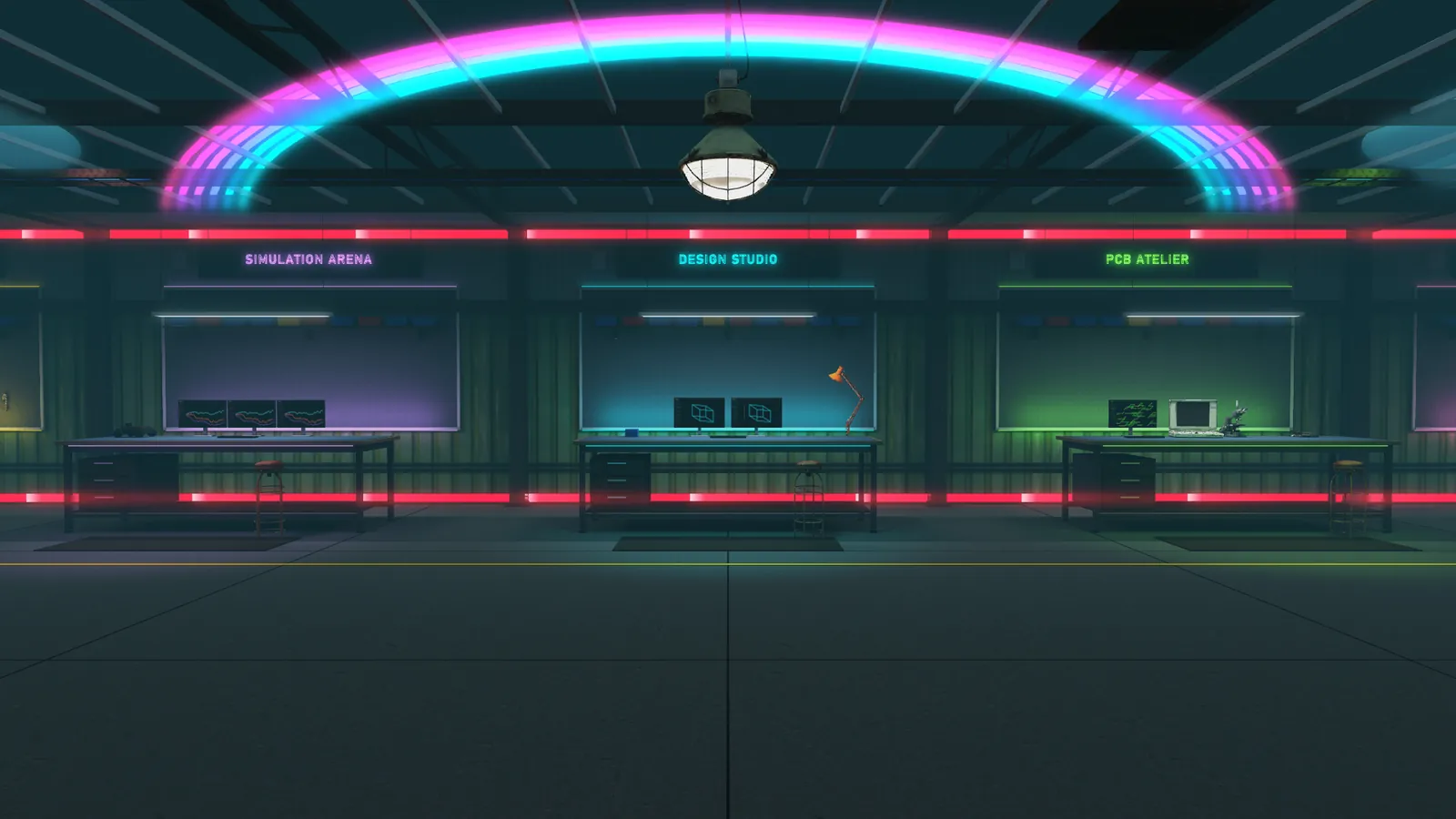
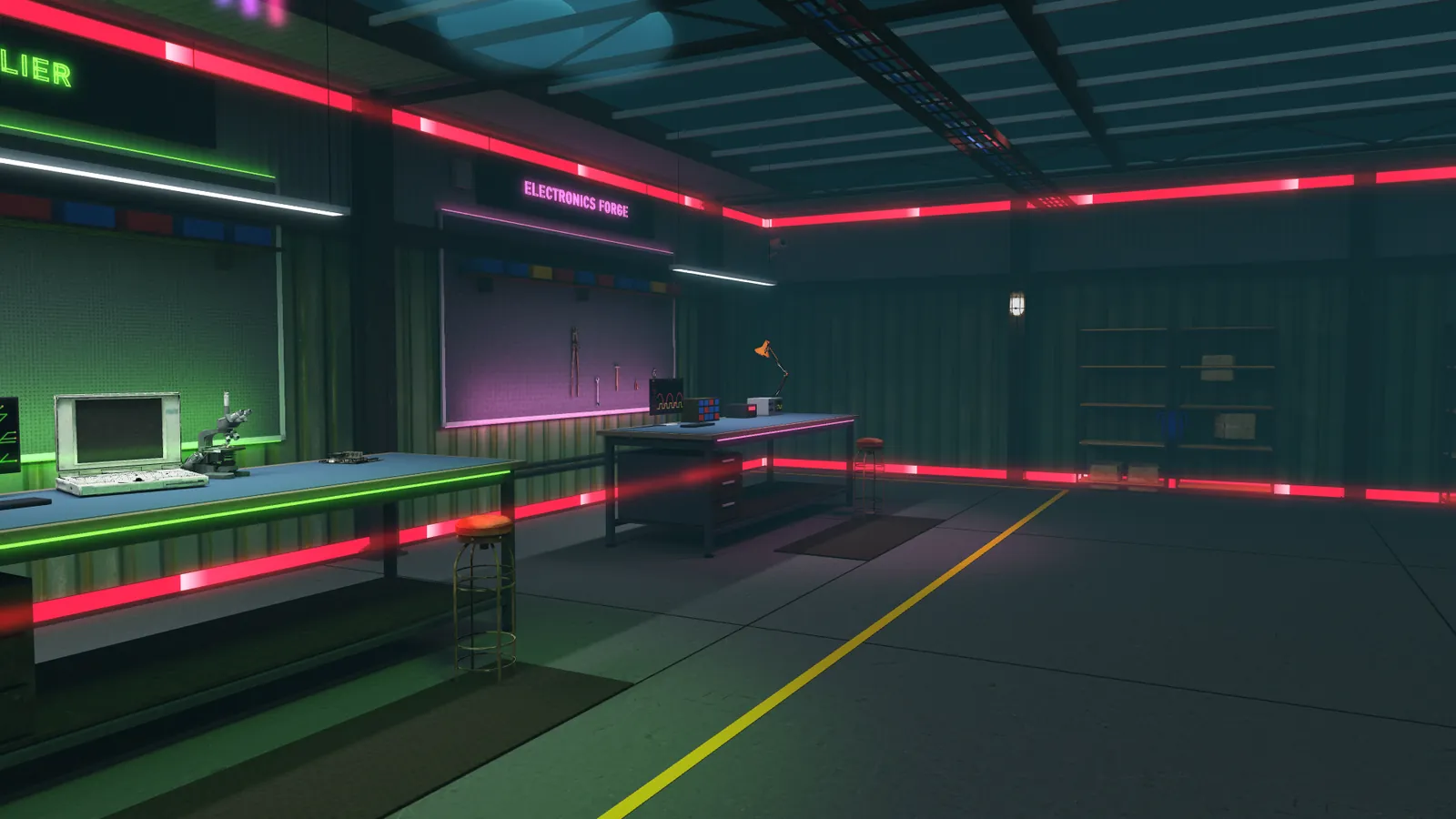
AIRXLAB is a first-person 3D maker lab. Walk the hall, sit at one of five benches and use a real engineering tool: circuits, boards, enclosures, simulation and parts. Nothing to install, and the files you finish with are files a fabricator accepts.
Inside the lab
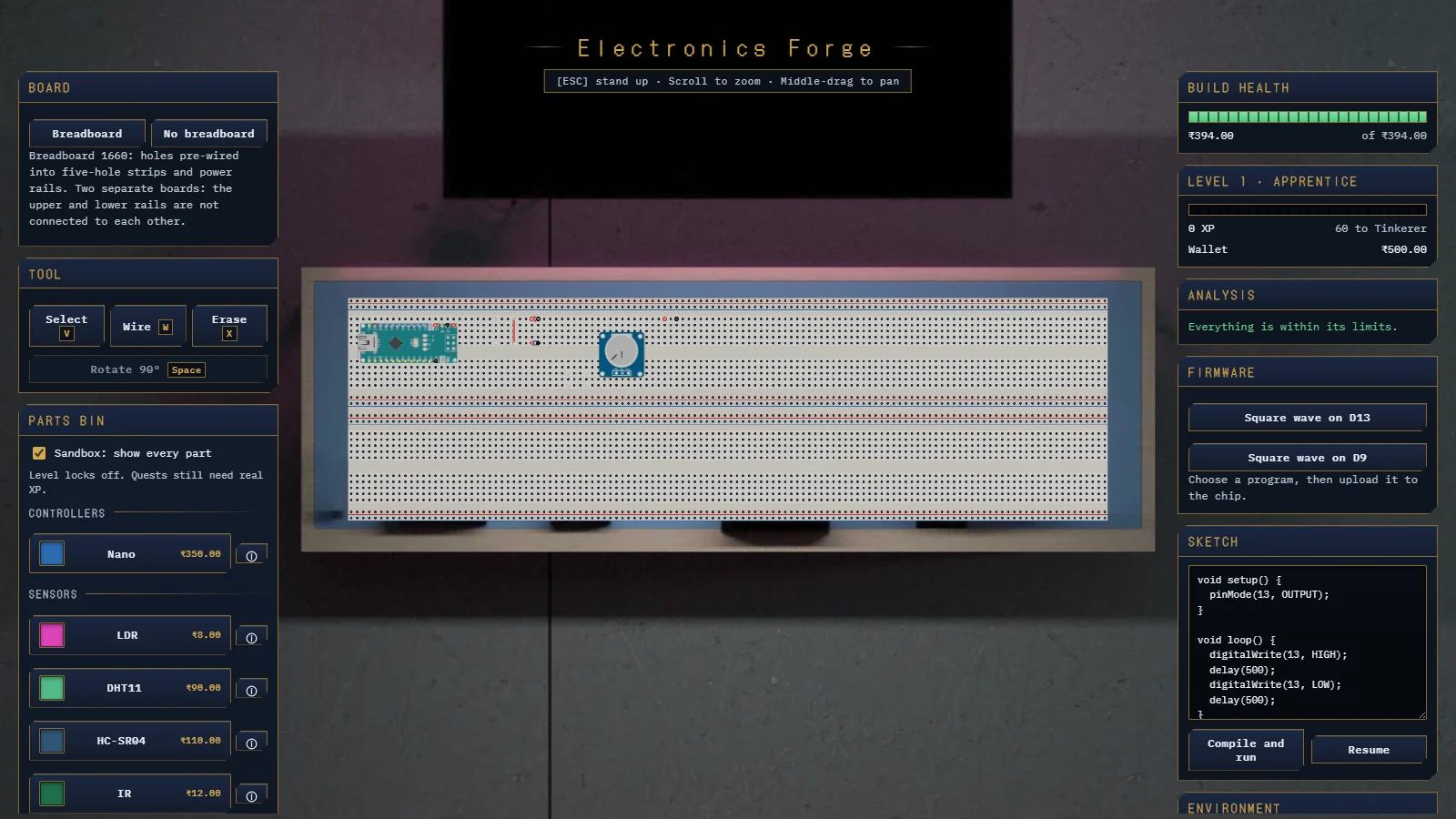
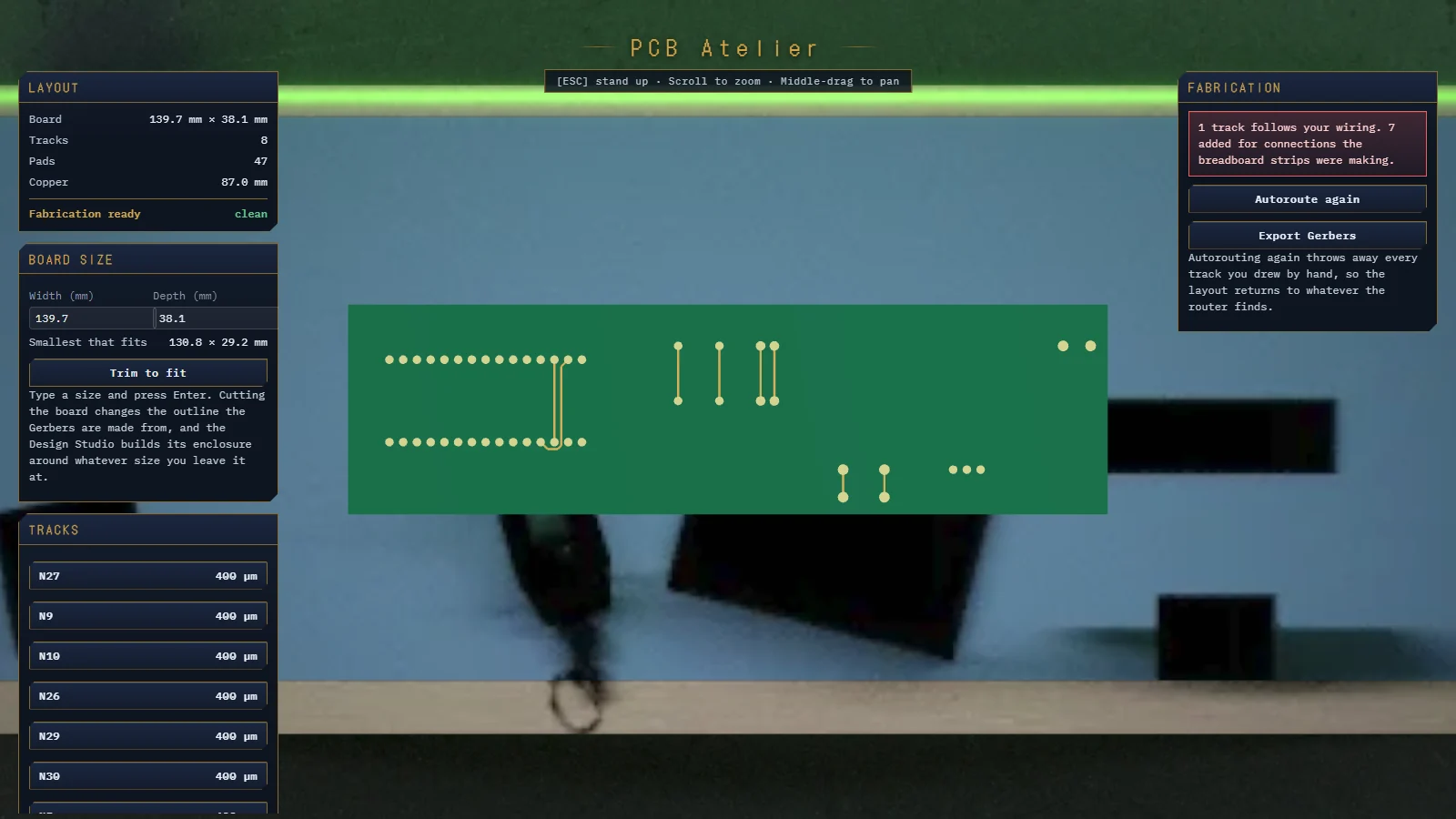
Press E at a bench to sit down and work. Each one is a real tool, and each hands its result to the next: the breadboard becomes a board, the board gets an enclosure.
Try the maths here
Three small demonstrations that compute in this page: a driven dimension, an RC step response and a range scan. The lab itself is above.
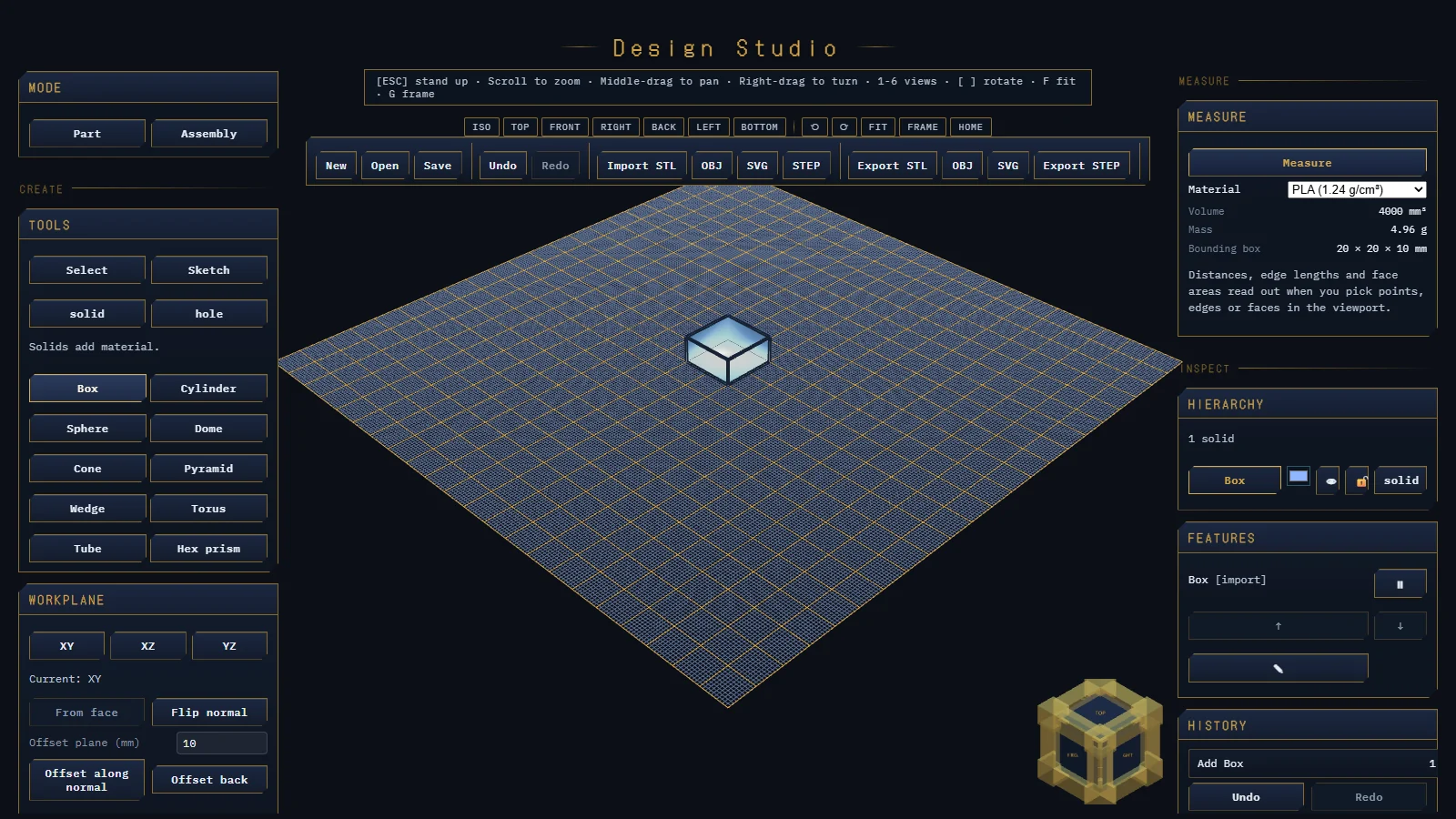
Sketch with constraints, extrude, cut holes and join an assembly. Drag the driving span here and the geometry and mass follow.
The lab solves the circuit by nodal analysis, and a part driven past its absolute maximum dies and stays dead. Here: an RC step response, with the rise time measured off the curve.
A range sensor sweeping a room and writing its returns, the kind of reading the lab's ultrasonic and IR parts produce.
Demonstration, not the lab interface. The CAD span, the RC transient and the scan are computed live in this page; the lab is shown in the screenshots above.
Honestly assessed
Saying this plainly saves you a wasted afternoon.
Before you start
| Browser | Chrome, Edge or Firefox, current or one version back |
|---|---|
| Graphics | WebGL 2. Integrated graphics are fine for CAD and circuit work |
| Memory | 8 GB recommended for assemblies above 200 parts |
| Connection | Required. Projects save server-side |
| Input | Mouse or trackpad. A three-button mouse helps in CAD |
All placeholder — LAB-3.
Lab access
Every tier includes the circuit, PCB and CAD benches. The difference is project count, compute and support. Placeholder pricing.
Free
For students getting started
₹790/month
For teams shipping hardware
Quoted
For labs and departments
One file, all the way through
The board you lay out in the Lab is the board that reaches our fabrication queue. No export dance, no vendor in between.